



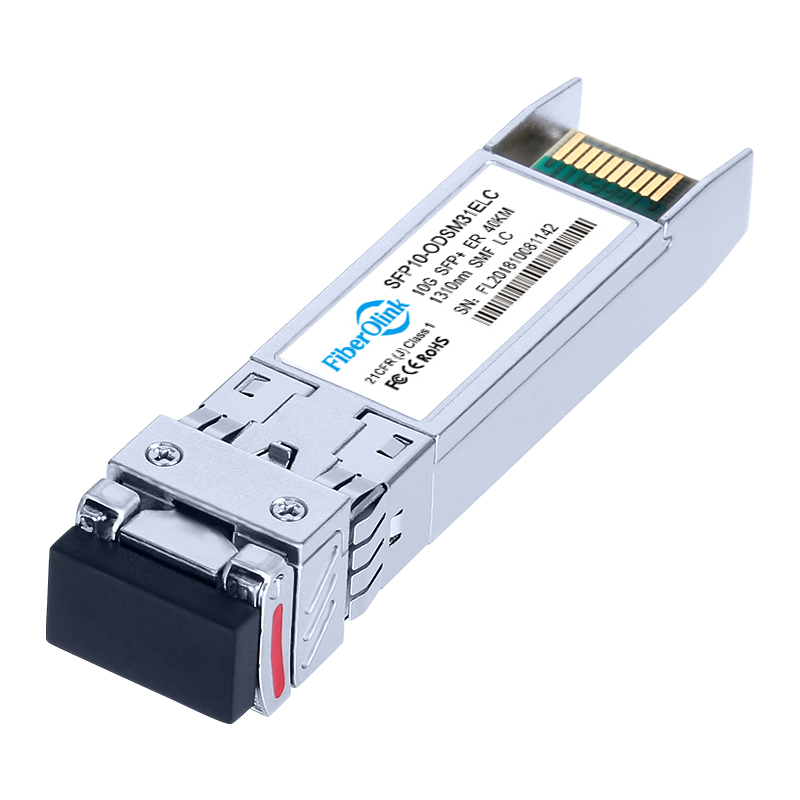
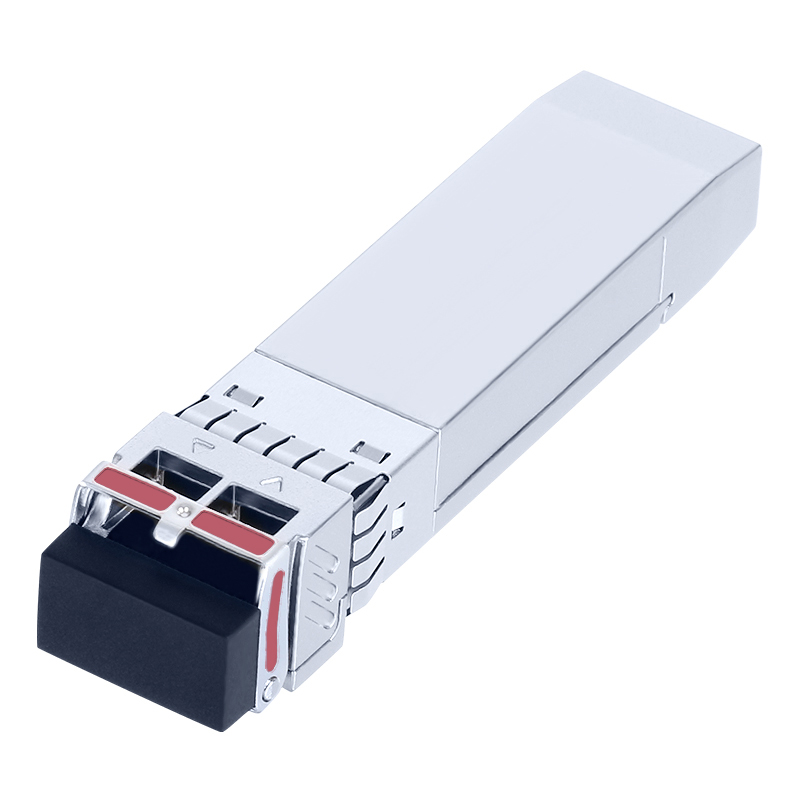
10G SFP +LR 1310nm 10km
- Utilizes hot-swappable SFP+ package full-duplex transceiver module
- 1310nm DFB transmitter and PIN receiver
- Compliant with IEEE 802.3ae, SFF-8472, SFF-8431, SFF-8432, and SFP+ MSA Ethernet standards
- Maximum power consumption less than 1.2W
- Built-in Digital Diagnostic Monitoring (DDM)
- Power supply voltage 3.3V
- Compliant with RoHS environmental standards (lead-free)
- Class 1/1M specification products, compliant with IEC60825-1 requirements
- Meets Telcordia (Bellcore) GR-468-CORE reliability requirements
- Meets EMI and ESD requirements
Warranty : 30-Day Free Return, 3-Year Free Replacement, 5-Year Warranty, Lifetime After-sales Technical Support.
| Product Model | SFP-10G-LR | Vendor Name | Fiberolink |
| Form Factor | SFP+ | Data Rate | 10.3125Gbps |
| Wavelength | 1310nm | Distance | 10km |
| Connector | LC Duplex | Cable Type | SMF |
| Transmitter Type | DFB | Detector Types | PIN |
| TX Power | -8.2~0.5dBm | Receiver Sensitivity | < -14.4dBm |
| Power Consumption | ≤1W | Operation Temperature | 0~70°C |
| DDM | Support | EMC | Support |
| Protocols | IEEE 802.3ae, SFF-8472, SFF-8431, SFF-8432, SFP+ MSA, CPRI, eCPRI | ||
Q: What is the most effective approach to connecting SFP+ to RJ45 when expanding or upgrading our data center network?
A: When extending or upgrading your data center network, the most efficient method to establish a connection between SFP+ and RJ45, considering factors such as data rate, cable type, latency, and power consumption, is to utilize Walsun’s 10G Copper SFP+ solution. This solution seamlessly converts 10G SFP+ switch ports to RJ45, ensuring smooth connectivity and compatibility during your data center expansion or upgrade endeavors.
Q: How can I view detailed DDM information?
A: To view Digital Diagnostic Monitoring (DDM) details, you may attempt using SNMP following these steps:
- Enable SNMP: Ensure Simple Network Management Protocol (SNMP) is enabled on your network devices.
- Install SNMP Management Software: Install SNMP management software on your computer. Popular choices include tools like Nagios, PRTG Network Monitor, or SolarWinds.
- Configure SNMP Settings: Configure SNMP settings on both your network devices and the SNMP management software. Assign appropriate community strings and set the SNMP version as required.
- Access DDM Information: Post SNMP configuration, access DDM information by querying relevant Object Identifiers (OIDs). Use SNMP commands or the management software to retrieve data such as optical power, temperature, voltage, and other parameters provided by DDM functionality.
- Monitor and Analyze: Monitor and analyze the DDM details from your SFP+ transceivers to ensure optimal performance and troubleshoot any potential issues.
Q: What is the warranty period for 10G SFP+ transceivers?
A: Our optical modules come with a 3-year warranty. This specifically covers defects that arise under normal use conditions and does not encompass failures or malfunctions resulting from misuse, abuse, neglect, modifications, power issues, non-adherence to product instructions, natural disasters, or improper installation, operation, or repair by anyone other than fiberolink or an authorized fiberolink service provider.
Related products
-
 Optical Transceivers
10G DWDM SFP+ CH17-CH61 100km
-
 Optical Transceivers
10G DWDM SFP+ZR CH17-CH61 80km
-
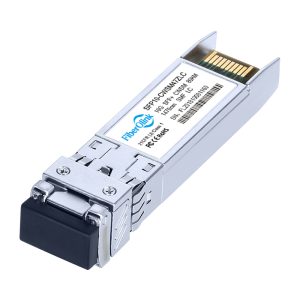 Optical Transceivers
10G CWDM SFP+ ZR 80km
-
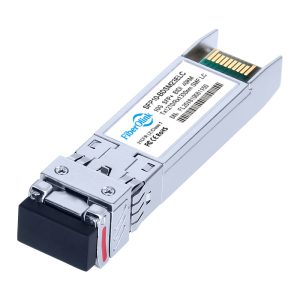 10G SFP+ BiDi
10G BIDI SFP+ ER 1270Tx 1330Rx 40km